MOCHILAB / GUIDE
If the model can do it, why install a Skill?
Know when to ask the model, use tools or install a reusable Skill.
Ask the model first for translation, rewriting and explanations. Use tools to fetch information or act. Consider a Skill when a multi-step task repeats.
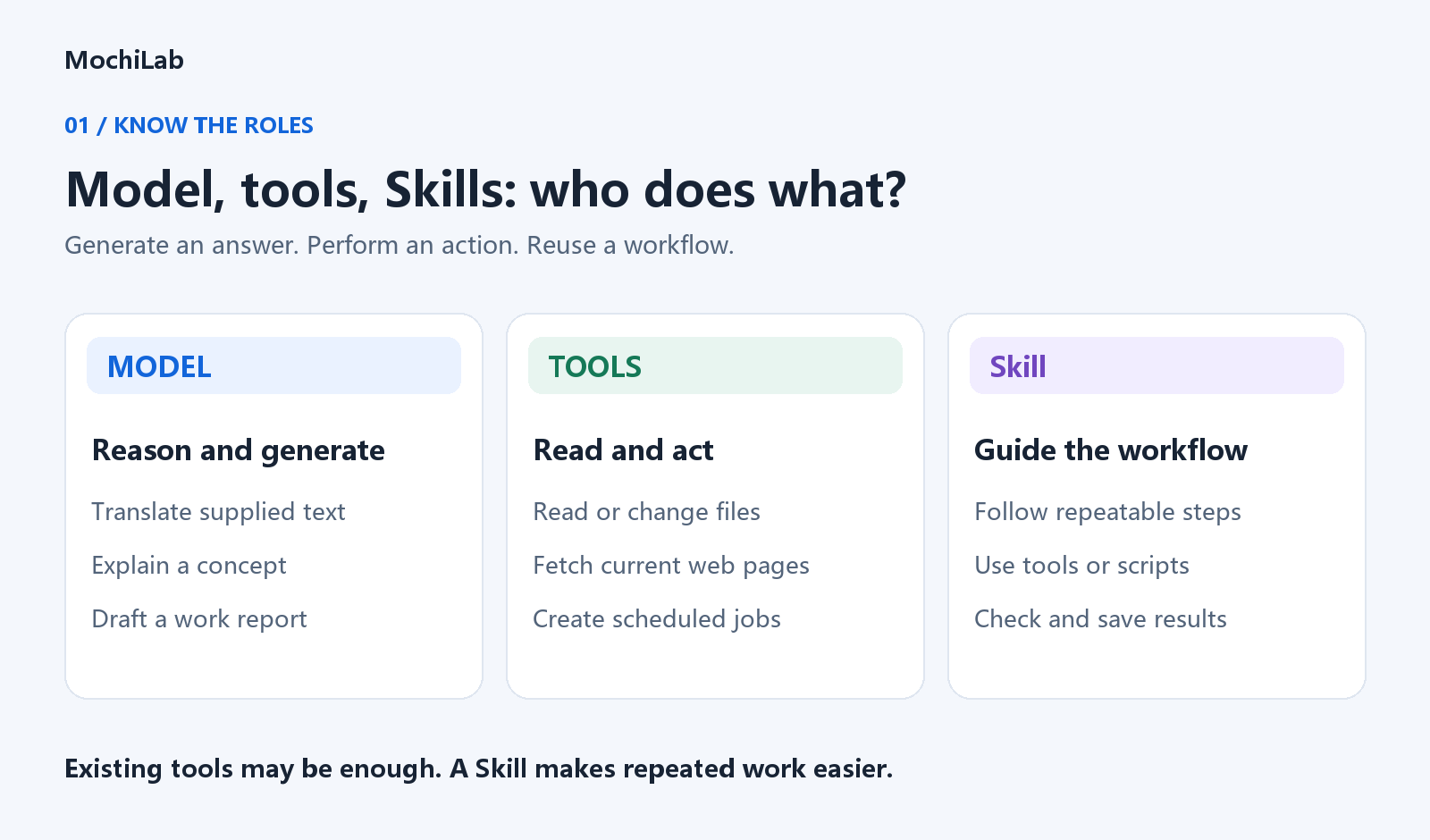
Three different jobs
- Model: interpret a request and produce text, analysis or suggestions.
- Tools: read files, fetch pages, run scripts or send messages.
- Skill: package a reusable procedure with instructions, templates, scripts and checks.
In OpenClaw, a SKILL.md file guides the agent's work. A Skill may include scripts or only instructions. Execution still depends on available tools and permissions. Official Skills documentation ↗
When does installation add value?
- Translation: ask directly for supplied text. A Skill can handle batches, term checks and report exports.
- Work reports: ask directly to rewrite notes. A Skill can retain sourced records, select dates and produce a consistent report file.
- Meal planning: ask directly for suggestions. A Skill can read saved preferences and pantry stock, merge groceries and retain plans.
- Reminders: the model can draft a reminder. Scheduling tools register the job; a Skill can check its timing, recipient and ID.
- File organization: the model can suggest categories. File tools or scripts scan directories, preview changes and execute authorized operations.
- CSV cleaning: discuss a small pasted sample directly. Scripts with a Skill can process the complete file and export cleaned data and issues.
These actions do not always require a Skill. An agent or chat application with suitable tools can already perform them. A Skill makes a recurring workflow easier to repeat without explaining every step again. Tools and Skills ↗
What powers a daily meal-plan message?
The model proposes meals. A scheduler triggers the job. A messaging channel delivers it. A Skill can coordinate those steps once the host services and accounts are configured.
“I'll remember” is not a registered reminder. Check the job ID, next run and recipient; after execution, check delivery history.
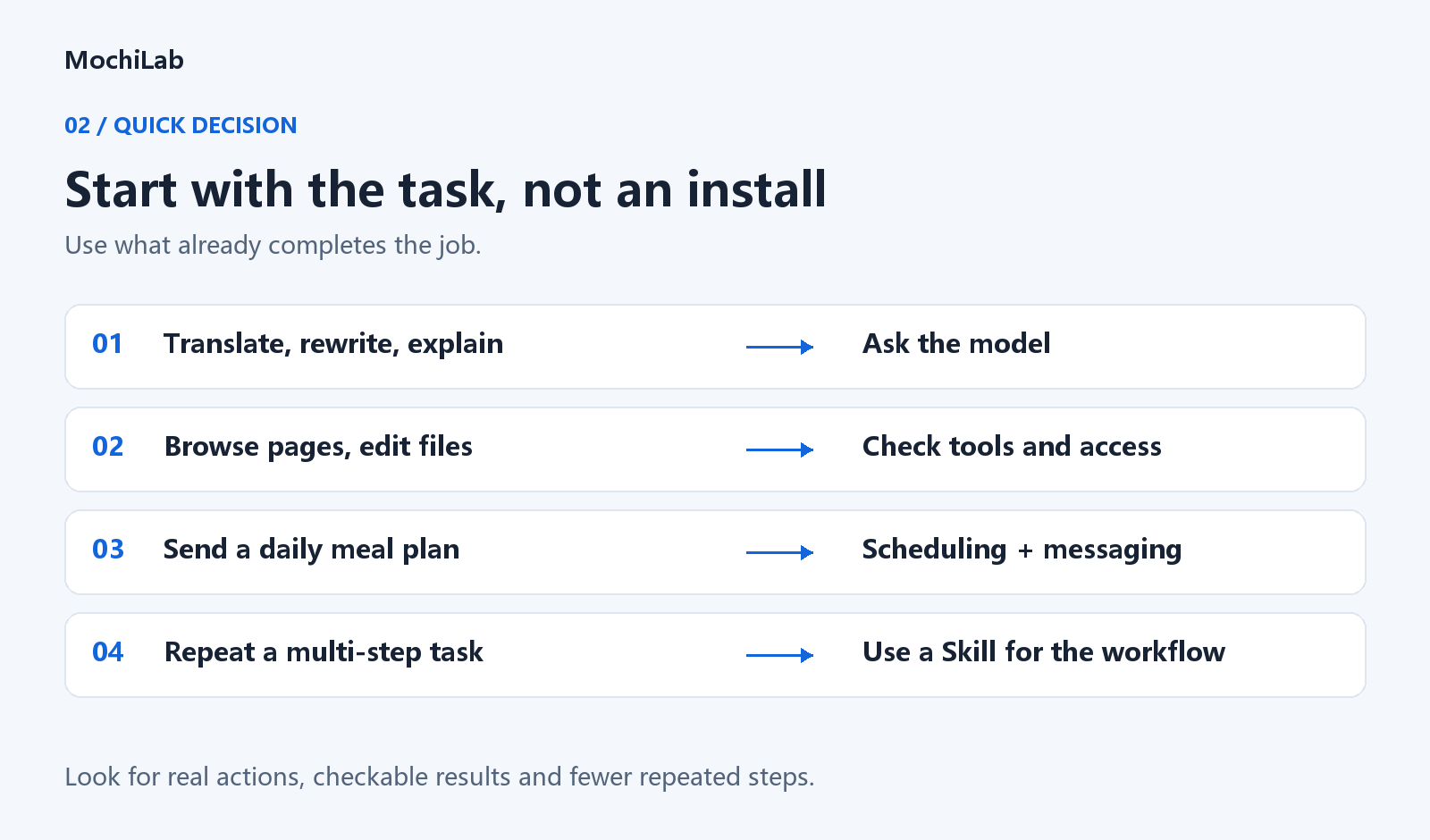
Three checks before installing
- Practical improvement: does it handle files, use tools or save useful records, rather than repeat a prompt?
- Checkable output: can you inspect a file, dataset, citation or job ID?
- Repeated use: is this an occasional question or a workflow you run regularly?
Try your existing model and tools first. Skip a Skill that only repackages the same answer.
For a reusable workflow, browse MochiLab Skills ↗. Detail pages include assistant, ClawHub and GitHub installation options.